Short answer: six free printable debt payoff worksheets, each one page, letter size, as a PDF: a debt list, a debt snowball worksheet, a debt avalanche worksheet, a payment tracker, a debt-free chart to color in and a monthly budget worksheet. No email, no sign-up: click a sheet to download it, or get all six in one file. There is also a free debt payoff spreadsheet (.xlsx).
All six worksheets in one PDF (135 KB), or the spreadsheet version with the math built in (8 KB).
Download all 6 (PDF)Spreadsheet (.xlsx)The worksheets
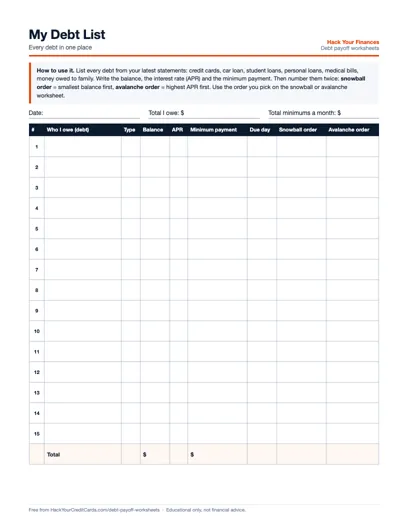
My Debt List
Every debt on one page: who you owe, balance, APR, minimum, due day, and its snowball and avalanche order.
Download PDFPDF · 1 page · letter size · 59 KB
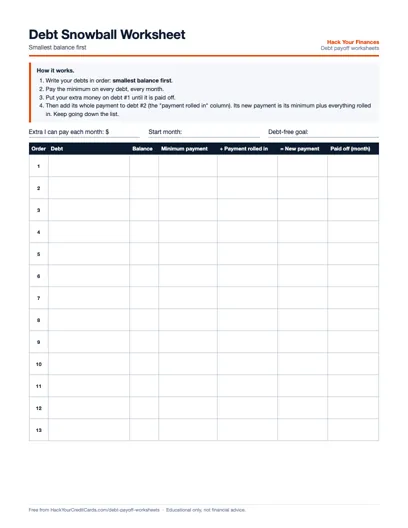
Debt Snowball Worksheet
Smallest balance first. Columns for the payment rolled in from each paid-off debt and the month it is gone.
Download PDFPDF · 1 page · letter size · 59 KB
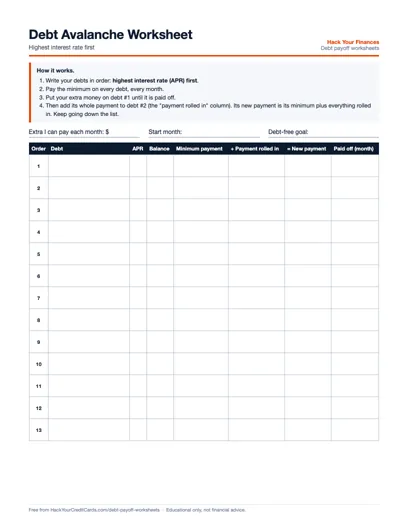
Debt Avalanche Worksheet
Highest interest rate first, with an APR column, the payment rolled in and the payoff month.
Download PDFPDF · 1 page · letter size · 61 KB
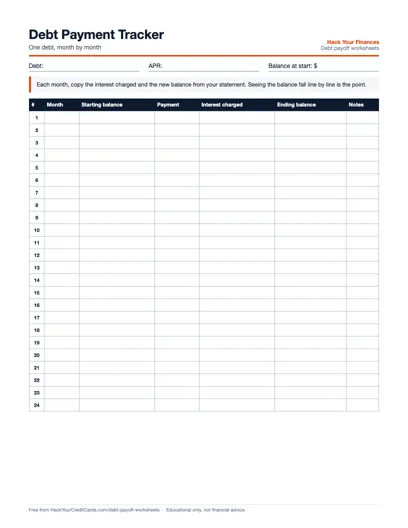
Debt Payment Tracker
One debt, 24 months: starting balance, payment, interest charged and ending balance from each statement.
Download PDFPDF · 1 page · letter size · 51 KB
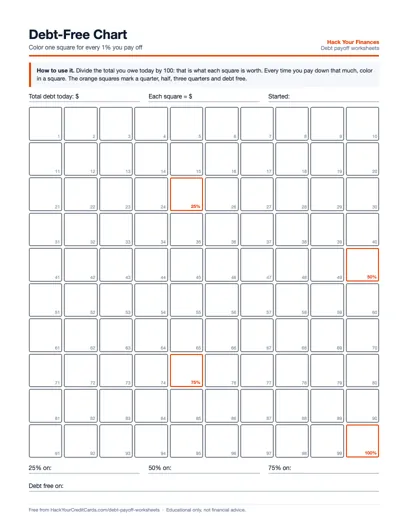
Debt-Free Chart
100 squares, each worth 1% of what you owe today. Color one in for every 1% you pay off.
Download PDFPDF · 1 page · letter size · 74 KB
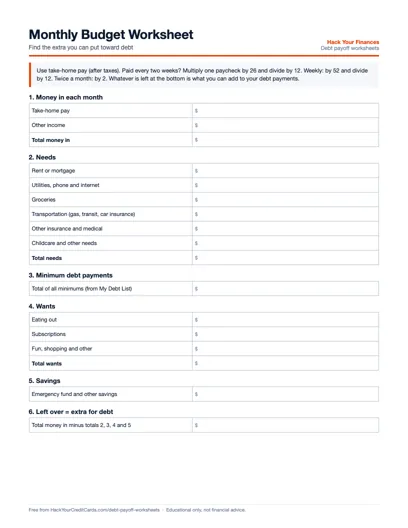
Monthly Budget Worksheet
Take-home pay minus needs, minimums, wants and savings: the extra you can put toward debt.
Download PDFPDF · 1 page · letter size · 56 KB
Rather not do the math by hand?
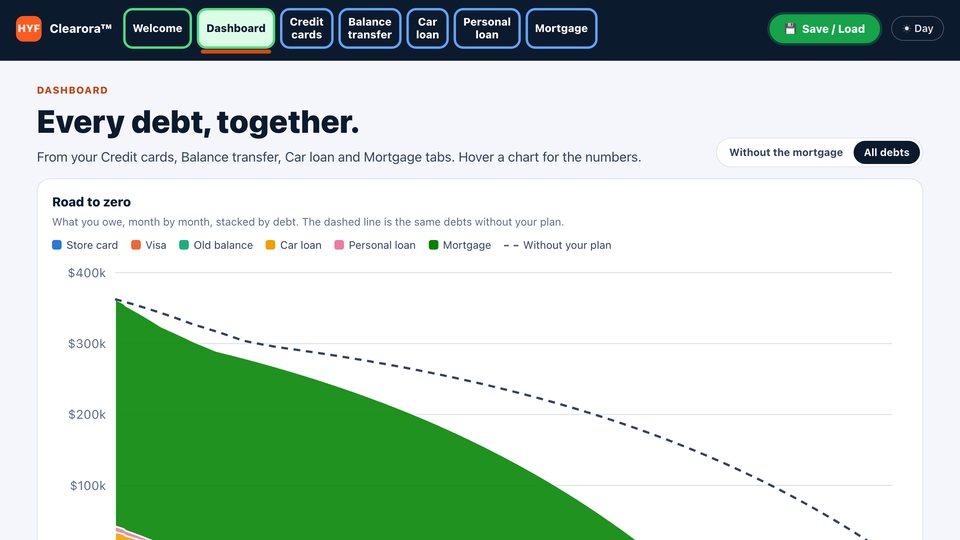
The worksheets are the paper version of a debt payoff plan. The Clearora™ Debt Payoff Dashboard does the arithmetic: every debt in one plan, the month each one is paid off, and a plan you save to a file and load again next month.
See how Clearora works →How to use them, in order
The sheets are meant to be filled in one after another, then updated once a month from your statements.
- Fill in My Debt List. Get your latest statements and write down every debt: cards, car loan, student loans, personal loans, medical bills, money you owe family. For each one, the balance, the interest rate (APR) and the minimum payment. Add up the totals at the bottom. This step takes the longest, and it is the most useful one.
- Find your extra with the Monthly Budget Worksheet. Start from take-home pay, take out needs, the total of your minimums, wants and savings. What is left is the extra you can put toward debt each month. The budget calculator does the same sums for you, including the paycheck math for weekly and every-two-weeks pay.
- Pick an order: snowball or avalanche. Number your debts twice on the debt list: smallest balance first (snowball), and highest APR first (avalanche). Then copy them, in the order you choose, onto that method's worksheet.
- Fill in the snowball or avalanche worksheet. Debt #1 gets its minimum plus your whole extra. When it is paid off, write its payment in the "payment rolled in" column of debt #2, and so on down the list.
- Track it every month. Use one Debt Payment Tracker per debt: copy the interest charged and the new balance from each statement. And color in the debt-free chart as the total comes down.
Snowball or avalanche: which worksheet?
Both methods pay every debt its minimum and put the extra on one debt at a time. The only difference is the order. The debt snowball goes from the smallest balance to the largest; the Consumer Financial Protection Bureau describes it as the way to "see progress quickly as you pay off smaller debts," while noting "you may end up paying more in the long run." The debt avalanche goes from the highest interest rate to the lowest, to pay off the debt "costing you the most" first.
Paper cannot tell you how many months or dollars separate the two for your debts. The snowball vs avalanche calculator can: type in your debt list once and it shows both plans side by side. The debt snowball calculator and the debt avalanche calculator each print a full month-by-month schedule you can copy onto your worksheet. For the method itself, step by step, read the debt snowball method guide.
Paper, spreadsheet or calculator?
| Tool | Good for | Not so good for |
|---|---|---|
| Printable worksheets | Seeing everything on one page, the fridge, couples planning together, coloring in progress | Interest math: you copy it from statements |
| Debt payoff spreadsheet | Estimated monthly interest, months to pay off at your payment, both payoff orders and a payment log, worked out as you type | Rolling payments from one debt to the next: you move them yourself |
| Calculators on this site | Estimated debt-free dates and interest costs based on your inputs and the calculator's assumptions. | Keeping a record month after month |
The spreadsheet has two tabs. "My debts" holds up to 15 debts, with three sample rows to type over; grey columns work out the interest this month, the months to pay off at the payment you entered, and each debt's snowball and avalanche order. "Payment log" works out the ending balance of each month from the starting balance, the payment and the interest on your statement. It is a standard .xlsx file. It opens and works in Excel, Google Sheets (File, Import) and Apple Numbers. Check the grey columns against one of your statements the first time.
Tips that make the sheets work
- Use the statement numbers, not memory. Balances and minimums change every month. Update the debt list when you start a new worksheet.
- Stop adding to the debts you are paying off. A plan on paper cannot keep up with new charges on the same cards.
- Keep the minimums on everything. The extra goes on one debt; the others still get their minimum every month so nothing falls behind.
- Write the date you finish each debt. The "paid off" column and the chart milestones are there to be filled in.
- Thinking about a 0% card or a consolidation loan? Check the numbers first with the balance transfer calculator or the debt consolidation calculator, then put the new debt on your list.
The CFPB also publishes a free debt log in its Your Money, Your Goals toolkit, if you would like a second layout.
Sources: Consumer Financial Protection Bureau, "How to reduce your debt" (July 16, 2019) and the Your Money, Your Goals toolkit (updated April 24, 2026), both read October 29, 2026. The worksheets and the spreadsheet are our own; the spreadsheet's interest is APR divided by 12 on the balance, an estimate.